useRef vs. useState - When to Use Each?

Why compare useState and useRef?
As React developers, we save data, update it, and change UI every day. That makes it important to understand the tools we reach for most often.
useState and useRef can both help React remember data between renders, but they behave very differently. The key question is whether changing that data should update the UI.
Anatomy of useState
When we use useState, we tell React that a value is special and should be remembered between renders. React returns the current value and a setter function that schedules the component to render again.
The convention is to name the pair as value and setValue. The initial value is passed once when the state is created.
const [isModalOpen, setIsModalOpen] = useState<boolean>(false); const openModalHandler = () => { setIsModalOpen(true);}; const closeModalHandler = () => { setIsModalOpen(false);};
State and the component's position in the UI
State belongs to a component at a specific position in the UI tree. If a component is removed and added again, its state is reset. If its position changes, React may also treat it as a new component.
That is why closing a modal and opening it again can clear the input inside it. React removed that part of the tree, so the state stored there was destroyed with it.
Isolation
State is local to each component instance. If you render two copies of the same Modal component, each one has its own state. Updating one does not update the other.
That isolation is one reason state is the right tool for values your JSX depends on. Normal variables do not survive renders and can create confusing mutations.
Do not overuse state
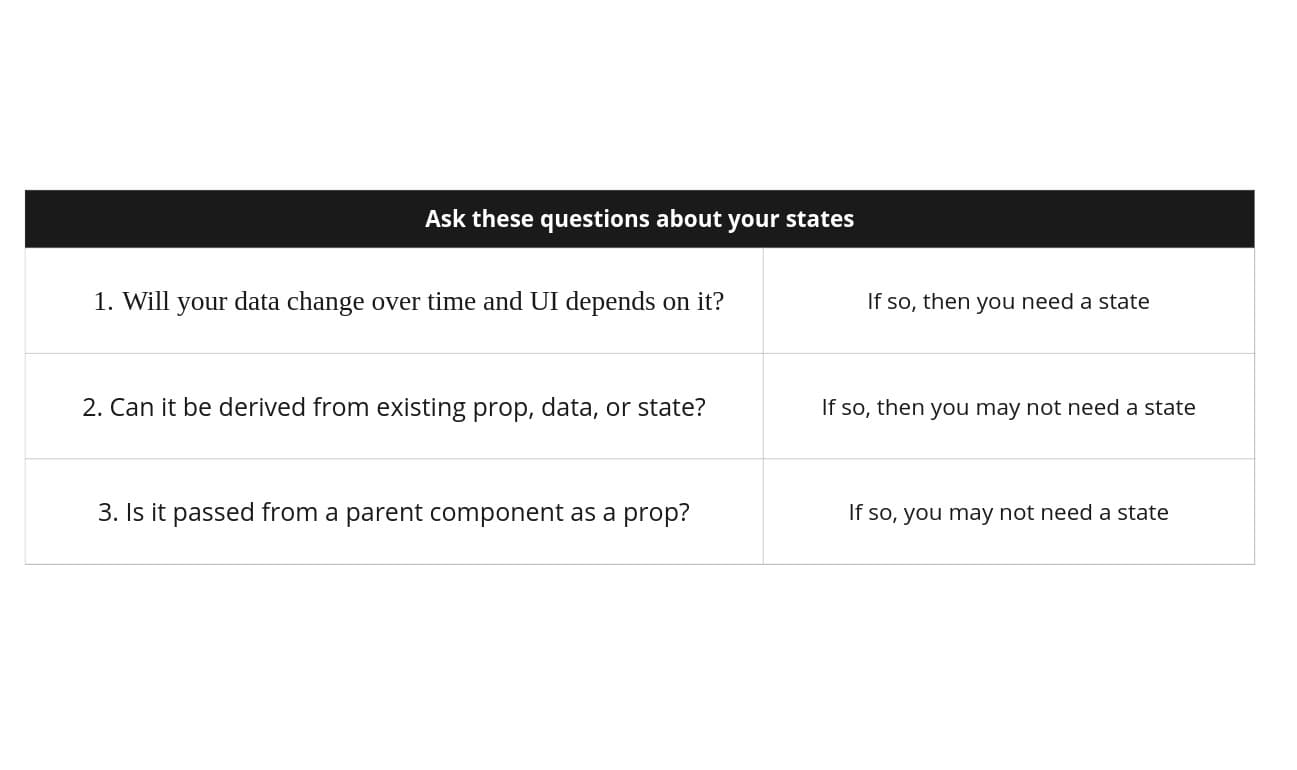
You can have multiple states in a component, but not every value deserves to be state. If a value changes often but does not affect rendering, putting it in state creates unnecessary rerenders.
Before using state, ask whether the UI depends on this value, whether the value must survive renders, and whether changing it should trigger a rerender.
The useRef hook
useRef also lets React remember data, but changing a ref does not trigger a rerender. It returns an object with a current property that you can read and write.
Unlike state, refs are intentionally mutable. That makes them useful for values that need to survive renders without directly affecting the UI.
const ref = useRef(0); ref.current = ref.current + 1; // Shape of the ref object:// { current: 1 }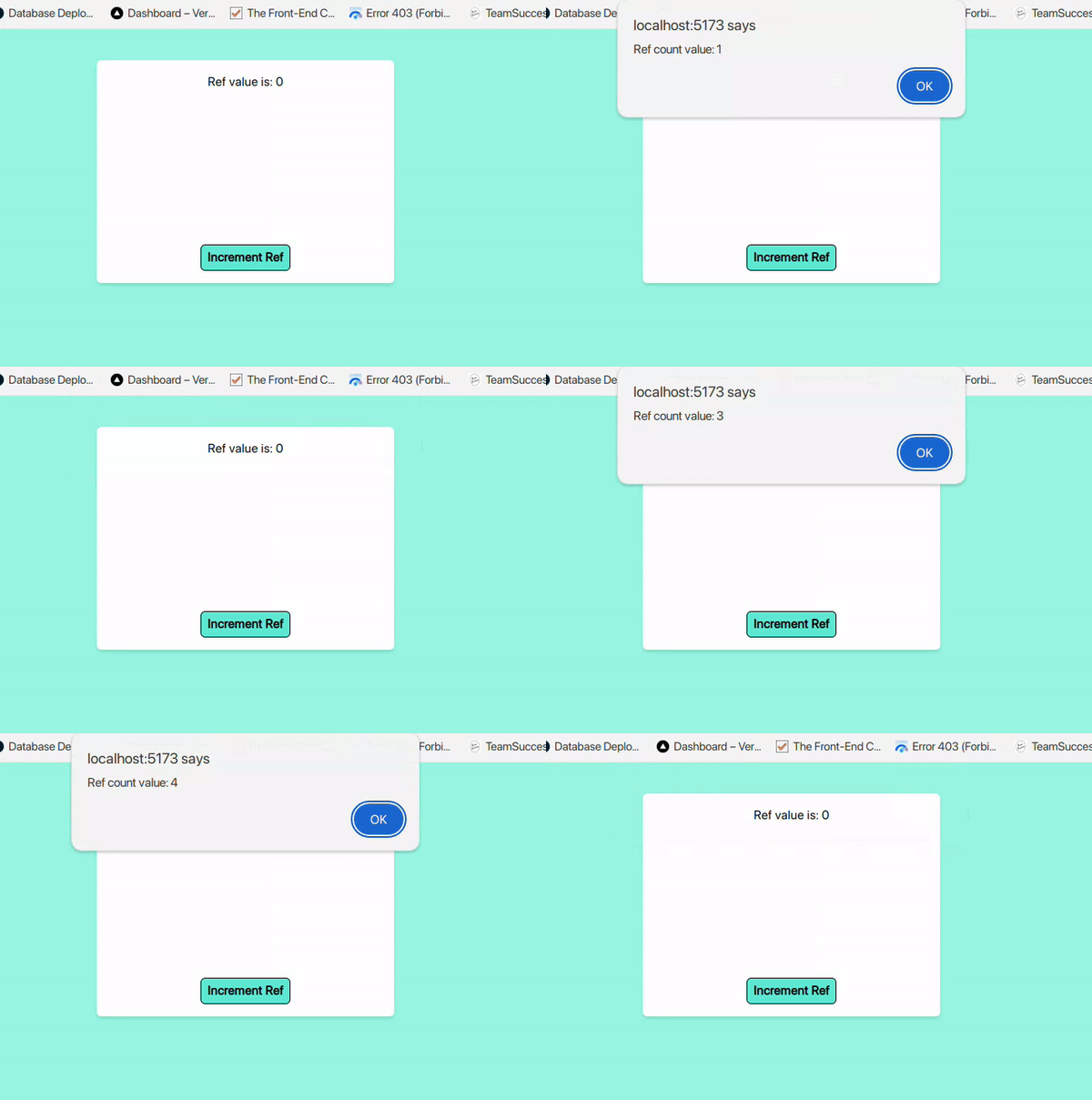
When to use refs
Refs are best for data that does not affect the component's rendered output: timeout IDs, DOM elements, previous values, external objects, and other mutable values your JSX does not rely on.
If you update a ref counter and nothing changes on screen, that is expected. React remembered the value, but you did not ask React to render from that value.
Summary
Use useState when the UI depends on the value and React should rerender after it changes.
Use useRef when you need to remember a value across renders but changing it should not update the UI.
State is isolated to component instances and tied to their position in the UI tree. Refs are mutable containers that are useful for non-visual data.
Comments
()The 'does the UI depend on it?' question is a useful rule of thumb.